No hardware
You bring a Mac, we do the rest. Take your scopes with you anywhere you go, or use an old Mac Mini to be your dedicated scopes system - no need for expensive converter boxes.
Great workflows start with great apps
All the audio & video scopes you'd expect from hardware, and many many more. A custom toolset crafted for creative professionals - colorists, editors, DITs, and sound. Mix and match scopes, save layouts, and be confident that you're seeing every pixel and every frame of your signal.
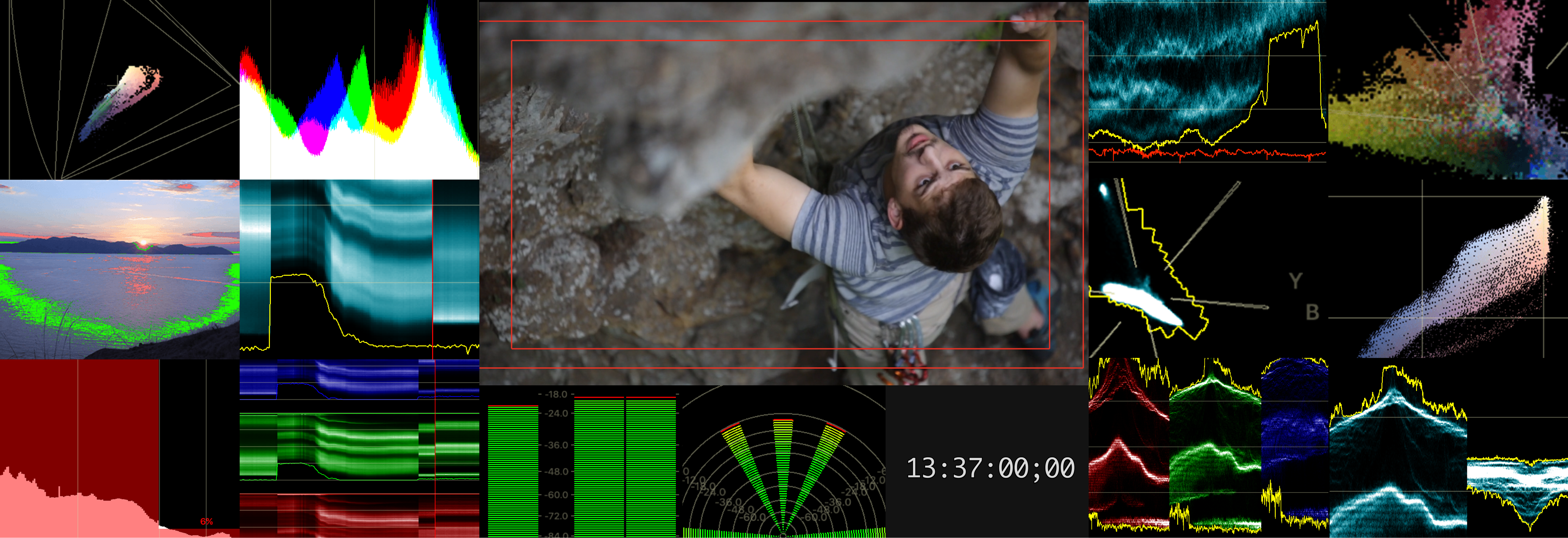
You bring a Mac, we do the rest. Take your scopes with you anywhere you go, or use an old Mac Mini to be your dedicated scopes system - no need for expensive converter boxes.
HDMI SD HD 2K SDI 4K 8bit 10bit YCbCr RGB NDI. Because viewing scopes only makes sense if you do it in the resolution, format, and color spaces of your workflow.
Looking at scopes is nice, but drawing conclusions is better. That's why ScopeBox is packed with features that help you decide if what you're seeing is what you want to be seeing.
ScopeBox's video preview shows you every pixel of your image, exactly as you're shooting it. The monitor calibration ensures that the colors you see accurately represent your video as well.
All the features you'd expect to find on a high-end field monitor. Complete with false color and feature insights, you get the most powerful toolset available for quantitative viewing. Add framing guides and overlays to make sure that your shot works exactly the way you expect.
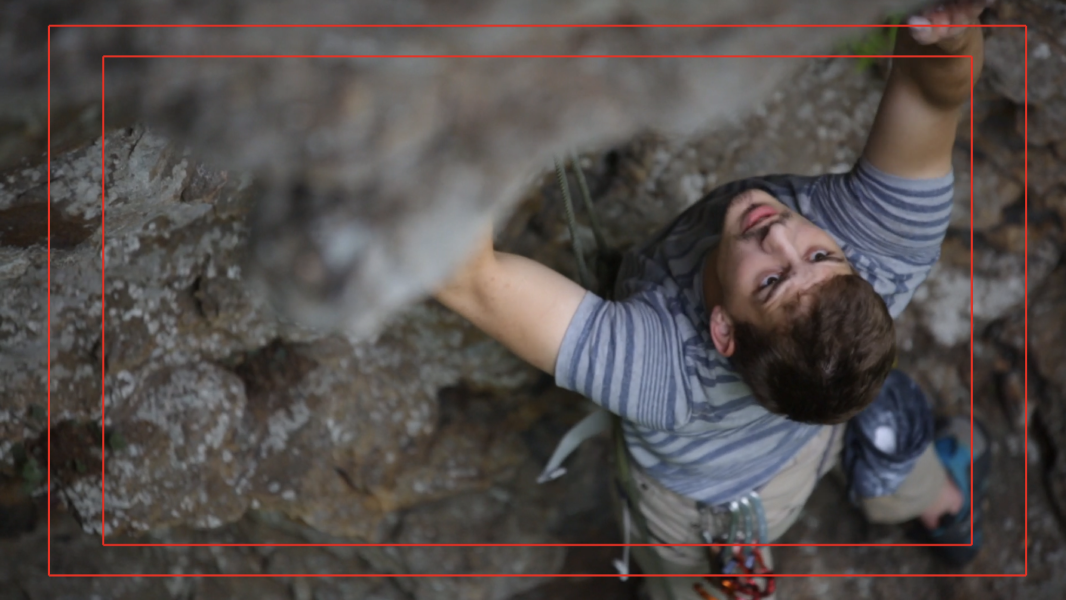
To help you frame your shot, ScopeBox includes a number of overlay features. Center marks, rule of thirds, letterbox masks, title safe and graphics safe are all available. In addition, you can overlay any QuickTime movie or image - great for framing greenscreen shots or shooting around lower thirds.
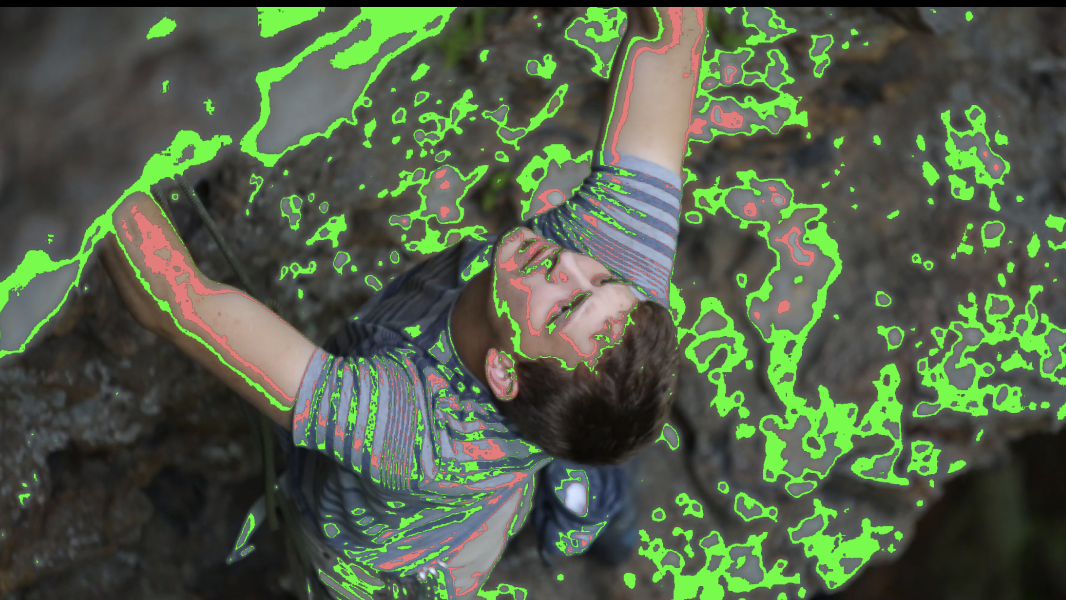
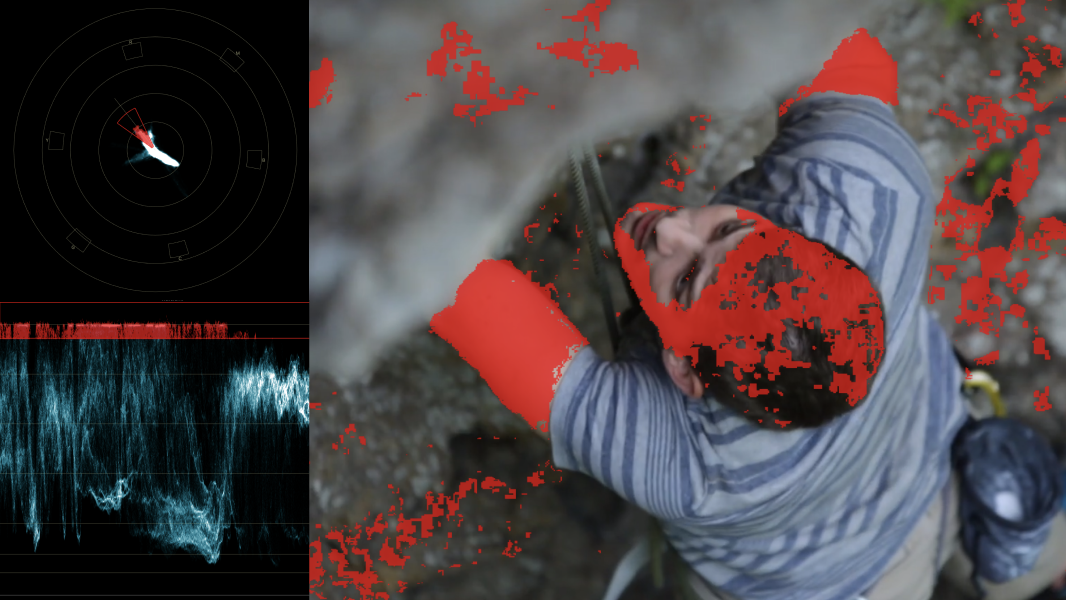
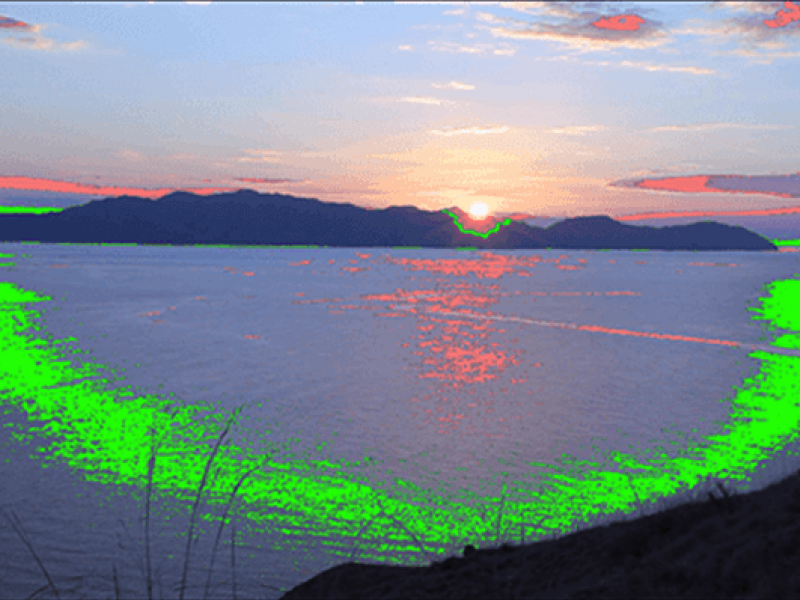
ScopeBox's unique Feature Insights allow you to highlight the pixels in your image based on a specific luminance, chrominance, or channel range. It makes matching problem areas in your scopes back to image features dead simple.
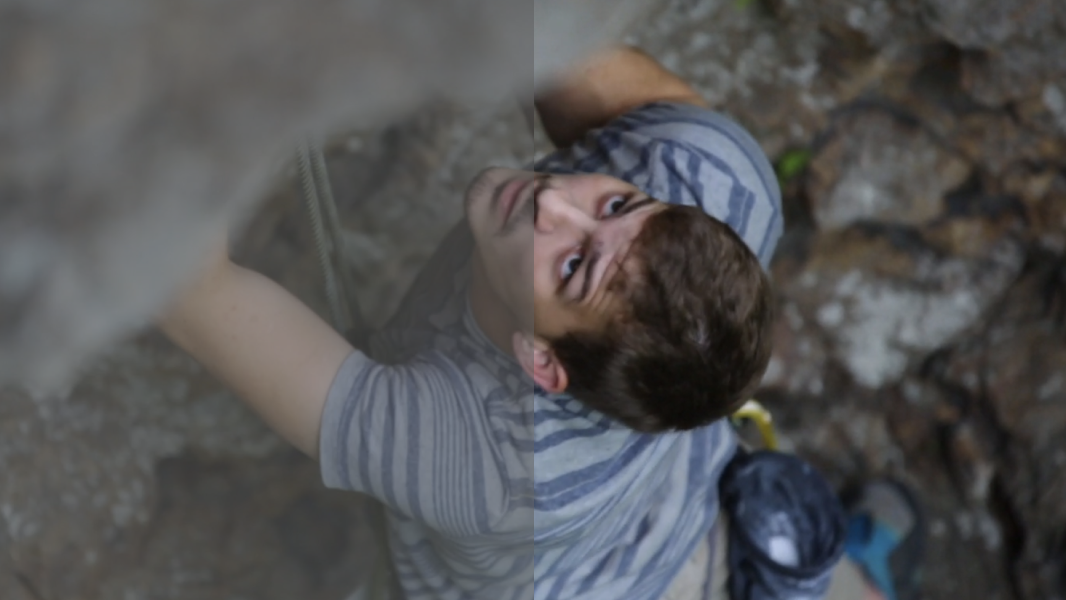
ScopeBox allows you to quickly apply a LUT, so you can get a sense of how your color corrected footage will look in 709 or 2020. As many camera vendors supply LUTs for doing log-to-linear conversion, you get a good grasp on how your footage will look in real life.
ScopeBox recreates every major video quality assurance tool, in software. Each of these can be arranged, resized and customized for your needs. These layouts can be saved and recalled later.
Video levels are the key to a well exposed shot. Using a waveform allows you to be confident you're getting the most contrast and definition from the shot. It also makes setting up green screen shots a breeze. ScopeBox is an exact replica of a real waveform.
We all want bright vibrant colors, but unfortunately there can be too much of a good thing. Vectorscopes show you exactly how saturated your colors are, for the brightest colors possible without exceeding broadcast limits. Bonus feature: ensure perfect white and black balance, and set up calibration of your video equipment.
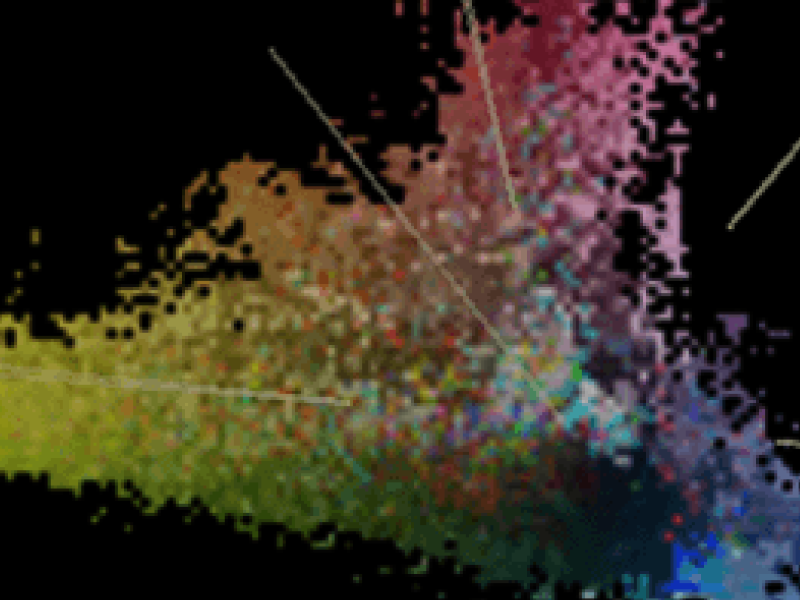
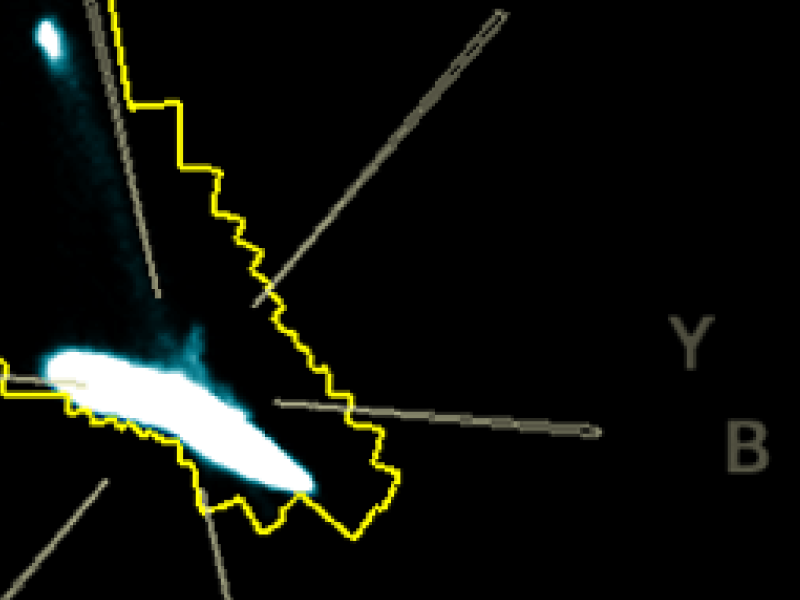
The scope that has made ScopeBox famous. Invented by Divergent Media, ScopeBox's home before it became a Hedge app, the HML Balance scope segments your signal into high, mid, and low exposure vectorscopes. By using the HML Balance scope, it's finally possible to easily spot a color cast in a highlight or a shadow.
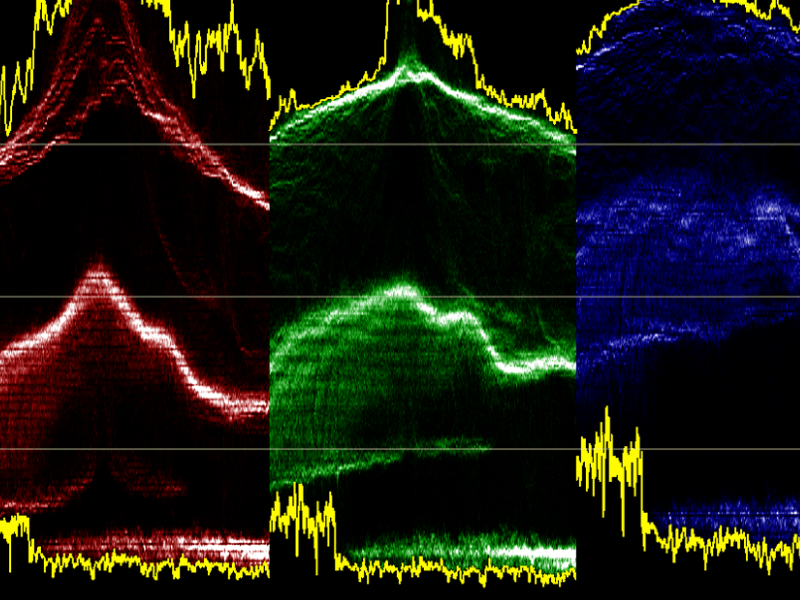
The RGB Parade lets you see how each channel of your video is represented in red, green, and blue. Use the RGB Parade in conjunction with the Waveform scope to track down overexposed parts of your shot, and then tweak them just the right amount.
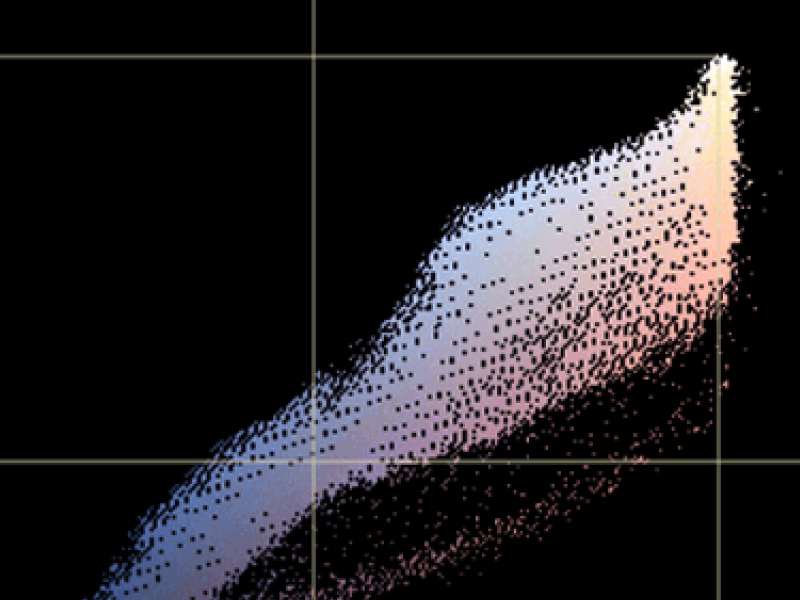
Channel Plot lets you plot two components of your signal against each other, like red vs. blue or luma against chroma. This lets you quickly identify gamut excursions and other color conversion issues.
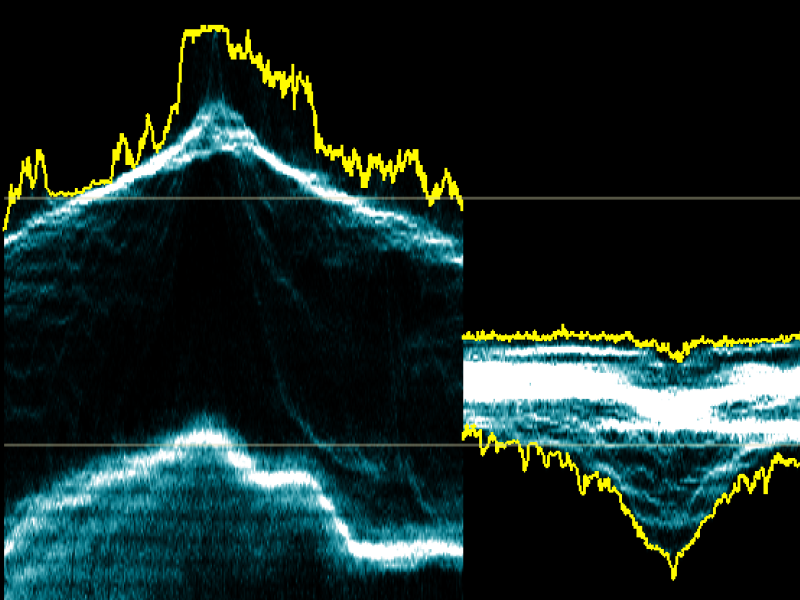
YCbCr Parade lets you see how each component of your YCbCr video is represented. Being more of a technical scope, this scope is very useful for spotting banding, quantitization, and clipping signals in SDI and other YCbCr sources.
You've probably heard people go on and on about the contrast of a scene. Sometimes it can be hard to see what they're talking about. With the histogram, you can see where colors are concentrated within a scene - are all the reds really dark, with greens that are very bright? Is there a nice even range of saturation, or is everything concentrated in a big lump?
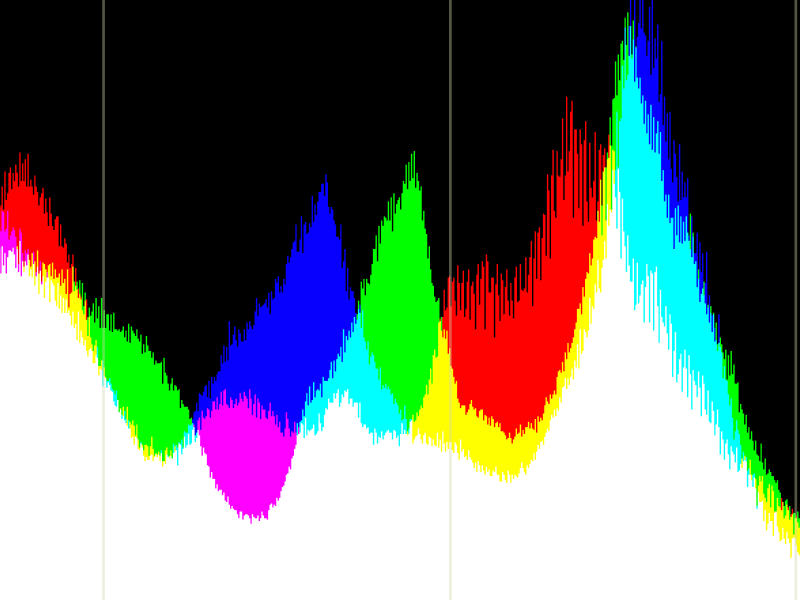
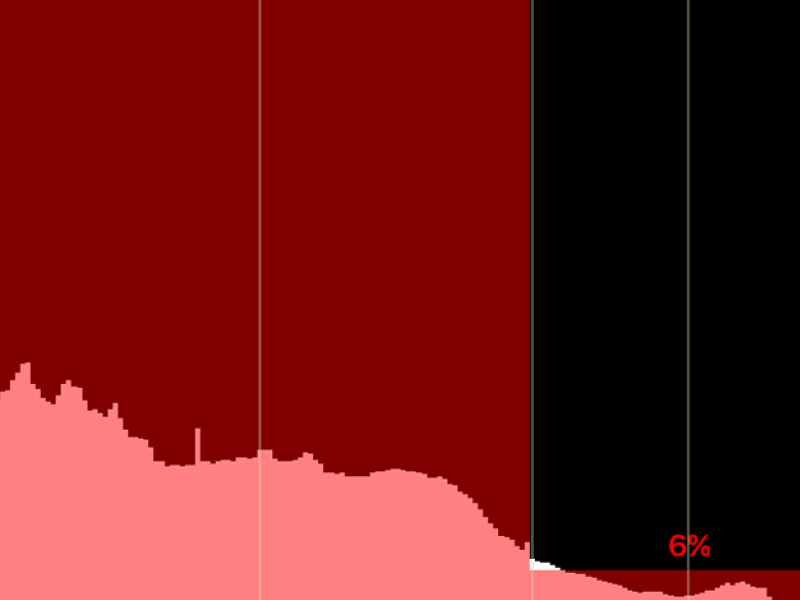
The Luma Histogram gives you a quick idea of the distribution of luma levels within your signal, so that you can quickly identify overexposed signals. For HDR, surface area overlays are included so you can spot the percentage of raster that falls within a nit range - necessary because of the autogain control on modern TVs.
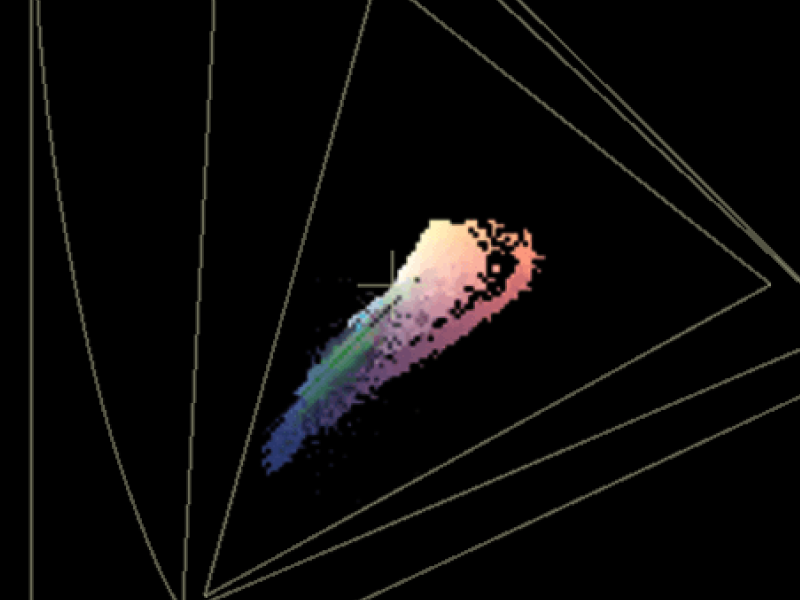
Modern workflows sometimes target multiple color gamuts or smaller gamuts within a universal file. Some projects deliver P3 ranges in rec2020 gamut for instance. CIE plot shows your color gamut and the primary boundaries of multiple colorspaces. You can even enter custom primaries and whitepoints.
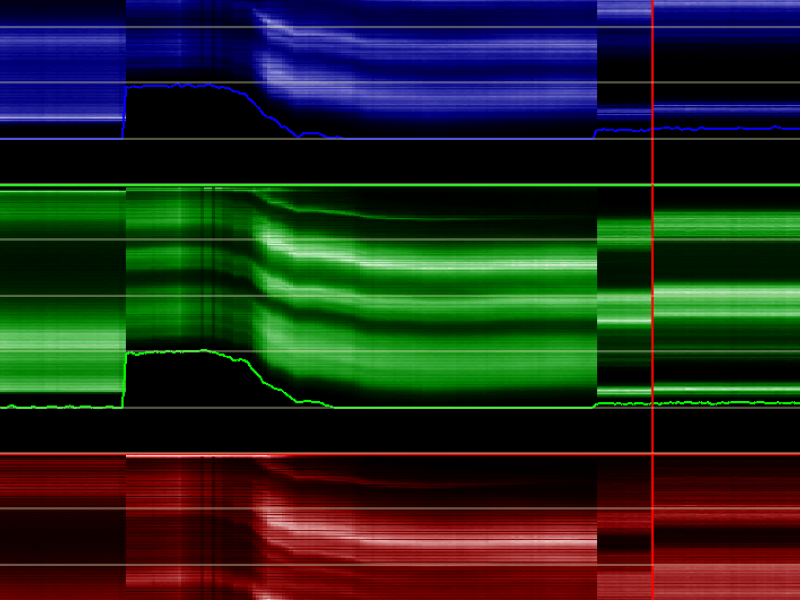
One problem all colorists experience is color constancy (the effect that your eyes adapt to make make white look white despite the white balance). The human visual system compensates for changes in color balance. Over time, small color shifts in an image cannot be accurately judged, and that's where RGB TimeTrace comes in.
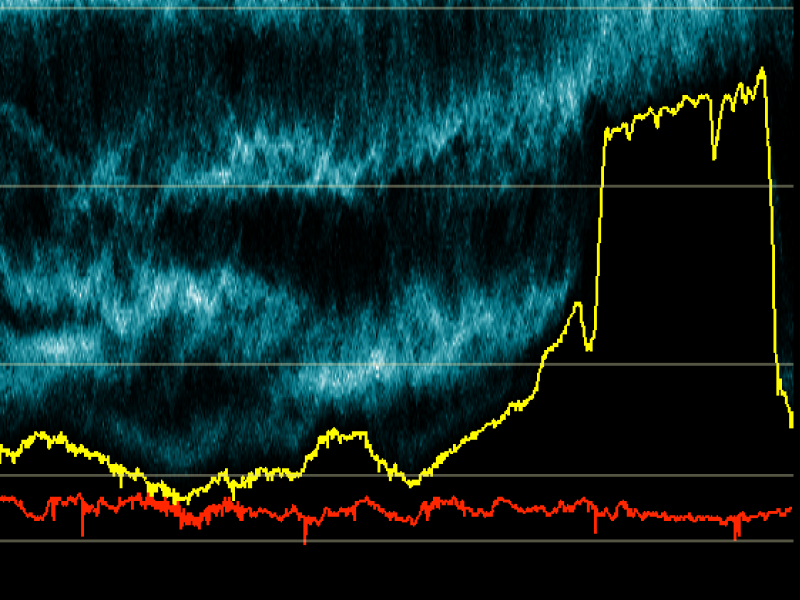
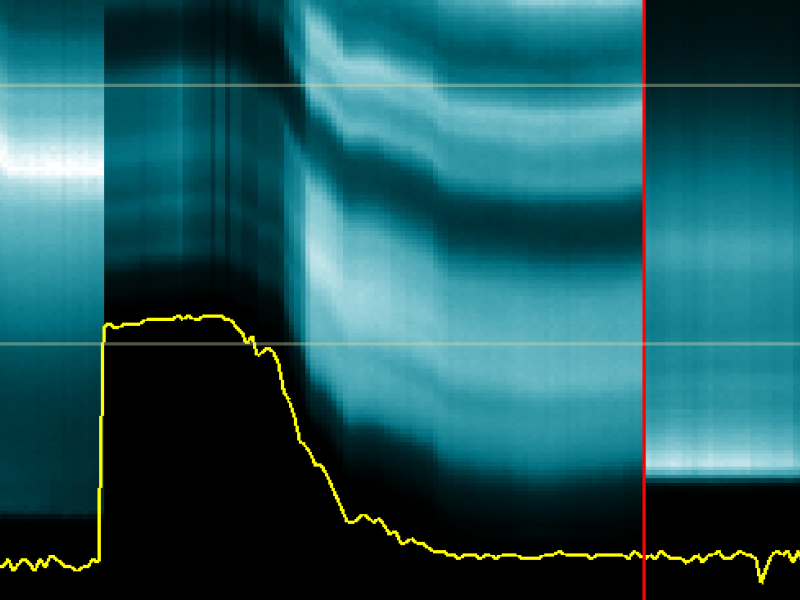
Luma TimeTrace shows changes to luma balance and contrast over time, making it easy to detect scene changes and camera auto-exposure shifts. This enables you to quickly match multiple shots or scenes. On top of that, it's the perfect tool to tackle the common tendency for HDR grades to drift brighter through the course of your working day.
The Preview scope is much more than just a simple monitor. You can overlay other images, add masking, or tweak the contrast and saturation. You can even open multiple preview scopes simultaneously - use one for checking critical focus, while another gives you a complete view of your image.
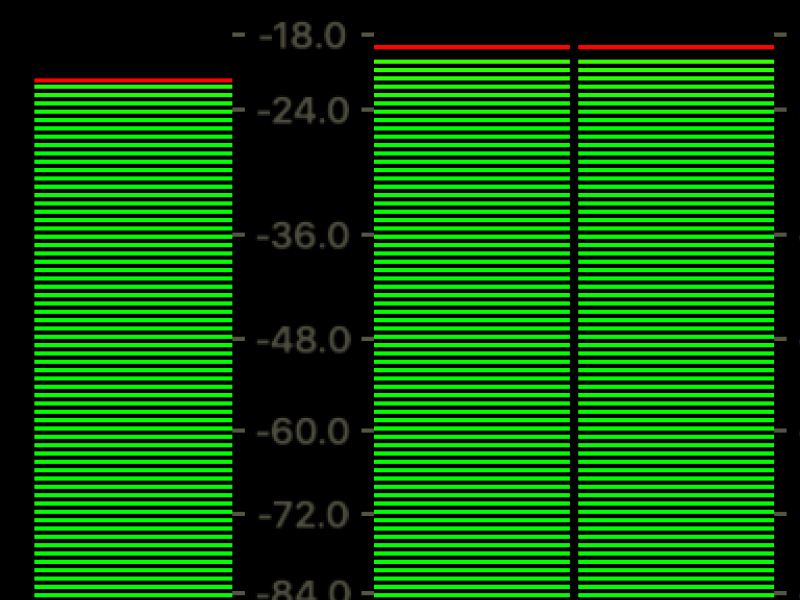
Nobody likes crunchy audio. Unfortunately, many cameras these days don't tell you about gain or levels. With the Audio Meter, you get a realtime insight into your signals, without having to physically bump heads with the camera operator. Social distancing avant la lettre.
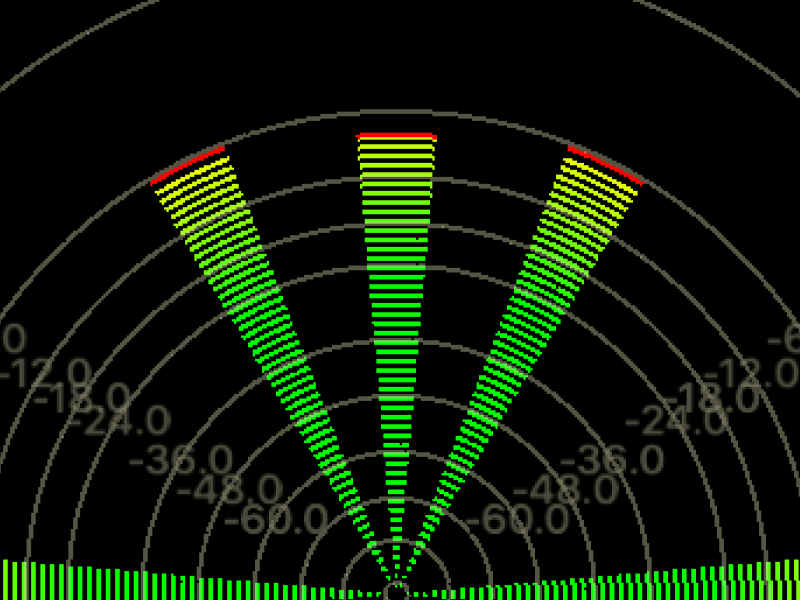
Many workflows depend on 5.1 or 7.1 audio mixing, with a variety of channel layouts. ScopeBox's flexible surround meter scope gives you an easy view of the layout of your surround audio signal.
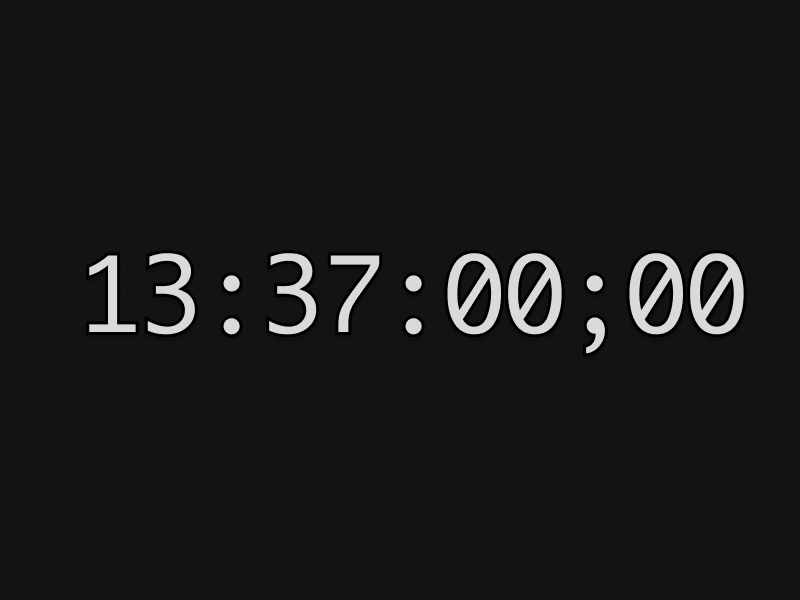
There are a variety of ways to feed a timecode signal into ScopeBox - a serial cable, a firewire interface, or on supported devices, via embedded HD-SDI timecode. The timecode scope gives you a large timecode clock so you can easily keep track of time for logging purposes.
ScopeLink allows you to feed video directly from many popular applications directly to ScopeBox. Whether you're working in editing and compositing applications like Premiere Pro, Final Cut Pro, or After Effects; DIT tools like EditReady, Silverstack, or LiveGrade; or color grading software like Resolve or Assimilate's Scratch; you can use the same professional scopes as you're used to.
ScopeLink is bundled with ScopeBox, and completely free.
Color science is hardcore stuff, we get that. That's why ScopeBox, just like all other Hedge apps comes with extensive documentation. Got a question that's not covered? Be sure to reach out, we always love to help and think along.
Documentation >ScopeBox is a perpetual license that includes 1 year of updates and support.
Auto-renewing each year, renewals can be cancelled any time.
Download ScopeBox, and start your 10-day fully functional trial in-app.
Can we email you, just once?